Introduction
When a CI pipeline fails, developers usually start looking at:
- application code
- dependency installation
- failed tests
- build configuration
- deployment scripts
However, there is another category of failures that happens before any of these steps begin.
The execution environment itself fails to become ready.
Your repository is healthy.
Your workflow configuration is correct.
Your application code is never reached.
The failure happens while preparing the runner responsible for executing your workflow.
A common example:
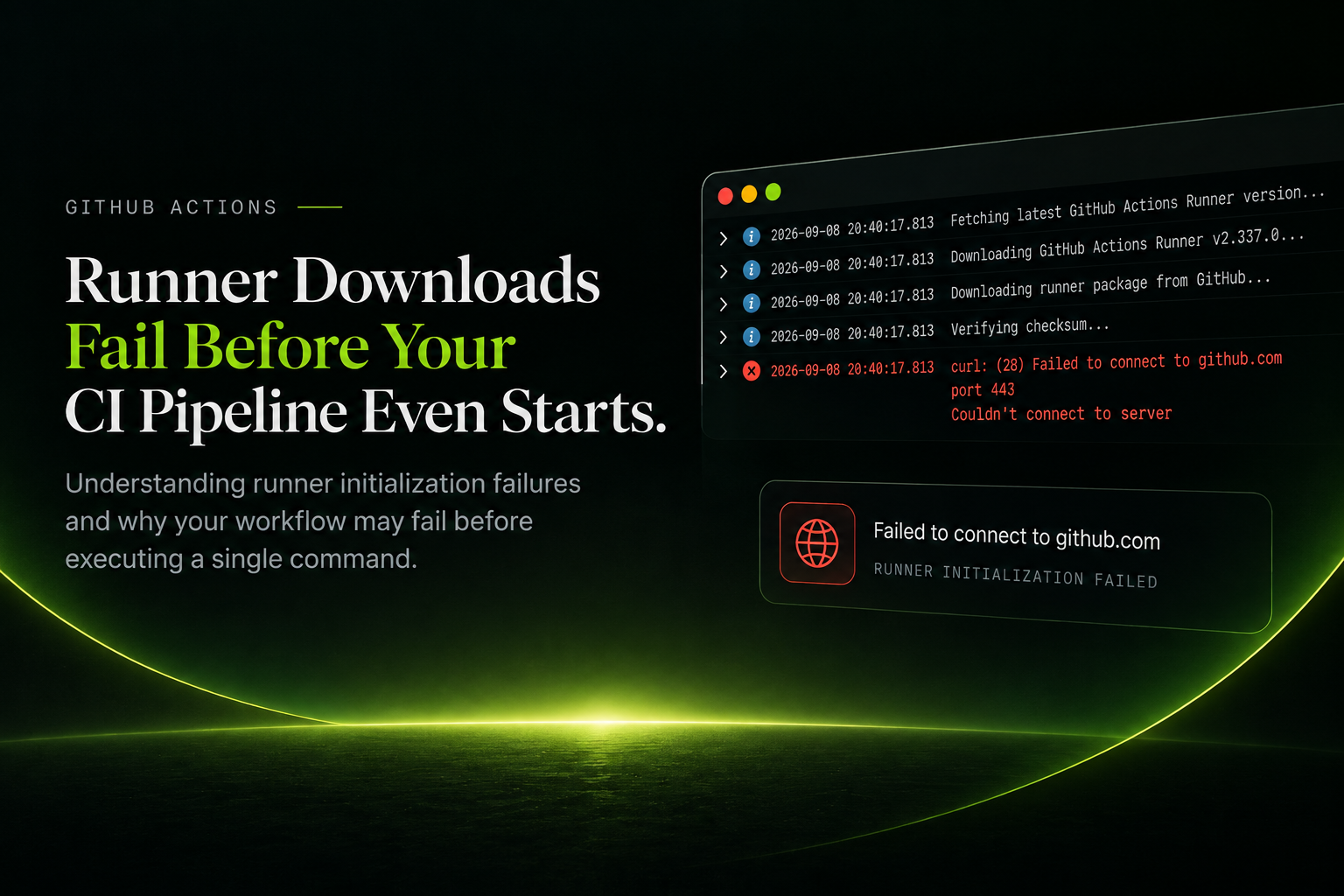
Fetching latest GitHub Actions Runner version...

Downloading GitHub Actions Runner v2.337.0...

curl: (28) Failed to connect to github.com port 443
Couldn't connect to server
At this point, the pipeline has failed before running the first command from your workflow.
Runner Initialization: The First Failure Point
Before GitHub Actions can execute a workflow, the runner environment must complete its initialization process.
The simplified flow looks like:
Runner Environment Created

        ↓

Runner Binary Download

        ↓

Runner Authentication

        ↓

Runner Registration

        ↓

Workflow Execution Begins
Every step before workflow execution is part of the CI startup path.
If the runner cannot initialize successfully, the workflow never reaches the actual build, test, or deployment stages.
When Runner Download Fails
Consider this failure:
curl: (28)

Failed to connect to github.com port 443
Couldn't connect to server
This does not indicate:
- broken application code
- incorrect workflow YAML
- failed dependencies
- test failures
The failure happens before the workflow environment is available.
The pipeline stops at:
Runner Initialization

        ❌

Workflow Execution
Your code never gets an opportunity to run.
The External Dependency Problem
Runner initialization depends on communication with external GitHub services.
A simplified architecture:
                  GitHub Services

                         |
        ---------------------------------
        |               |               |
        ↓               ↓               ↓

   Runner API    Download Service   GitHub.com

                         |
                         ↓

              Runner Initialization

                         |
                         ↓

              Workflow Execution
During startup, the runner needs successful communication with these services.
A temporary failure during this stage can prevent the environment from becoming available.
Common causes include:
- network connectivity interruptions
- regional routing issues
- firewall or proxy restrictions
- temporary service availability problems
- HTTPS connection failures
The important distinction:
The application did not fail.The infrastructure required to execute the application failed.
Why These Failures Are Difficult To Diagnose
Most application failures happen inside the developer-controlled environment.
Examples:
Dependency Installation Failed

Test Failed

Build Failed
The debugging path is usually straightforward.
Runner initialization failures happen outside the application boundary.
The visible error:
Workflow Failedmay actually represent:
Execution Environment Failed To InitializeThis introduces another layer of debugging where teams need to determine whether the issue belongs to:
- their application
- their workflow configuration
- the CI execution infrastructure
The Tradeoff With Ephemeral Infrastructure
Modern CI systems increasingly use ephemeral execution environments.
This provides important benefits:
- clean environments for every job
- improved isolation
- reduced dependency conflicts
- better security boundaries
However, every new environment introduces preparation steps before execution.
The lifecycle becomes:
Provision

↓

Configure

↓

Connect

↓

Execute
Every additional initialization step becomes part of the reliability surface of the CI system.
A pipeline can only start when every dependency before execution succeeds.
Building More Reliable CI Execution Infrastructure
Modern CI infrastructure needs to focus on execution readiness.
The question is not only:
How fast can a build execute?
It is also:
How reliably can a build start?
Reducing unnecessary initialization steps improves consistency and reduces failure points.
A more resilient execution model looks like:
Execution Environment Ready

        ↓

Job Requested

        ↓

Workflow Starts Immediately
The goal is to minimize the time and dependencies required before a developer's code begins running.
Monk CI Perspective
At Monk CI, we focus on improving the reliability of the CI execution layer.
Runner readiness is a critical part of pipeline performance. A build cannot be considered fast if the execution environment is still waiting to initialize before processing the workload.
Our approach focuses on reducing infrastructure delays before jobs begin by providing execution environments designed to be ready when workloads arrive.
The objective is simple:
A CI system should spend its time running your code, not preparing to run your code.
Reliable CI is not only about faster execution.
It is about ensuring that workflows start consistently, predictably, and without unnecessary infrastructure delays.
Conclusion
A CI failure does not always mean your code is broken.
Sometimes your code never had the chance to run.
Runner initialization is a critical but often overlooked part of CI reliability.
As engineering teams scale, improving the reliability of the execution layer becomes just as important as optimizing build performance.
The first step toward faster CI is ensuring that your pipeline can start reliably.
Nitin Mandale